Leading UK video game developer and publisher

© 2025 Spacefarer Games. All Rights Reserved.

Alone In The Dark Re-Haunted

About

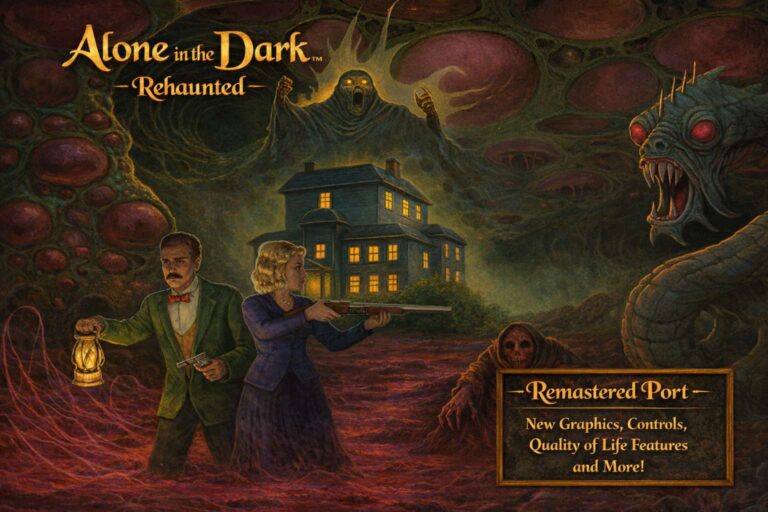
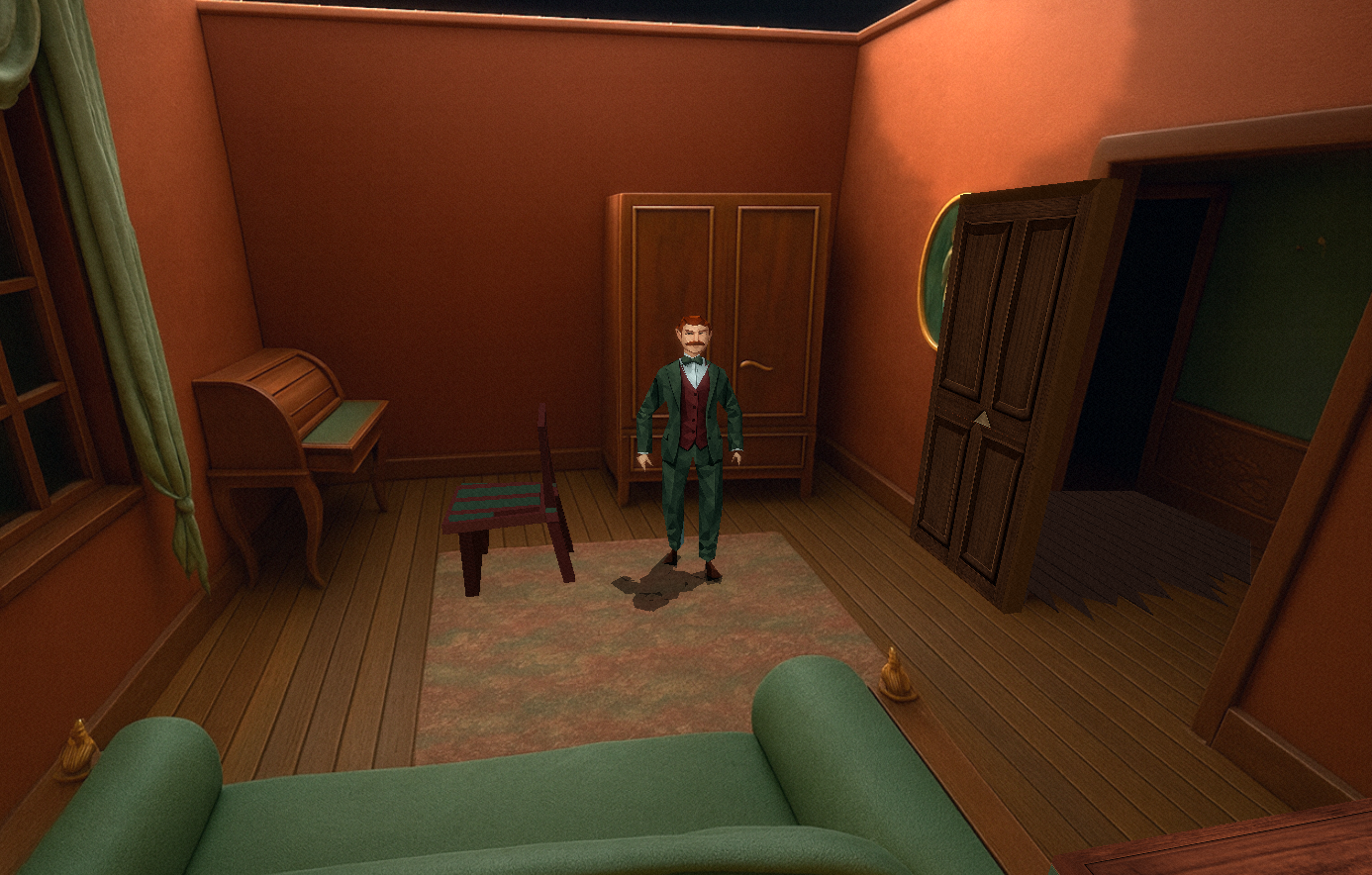
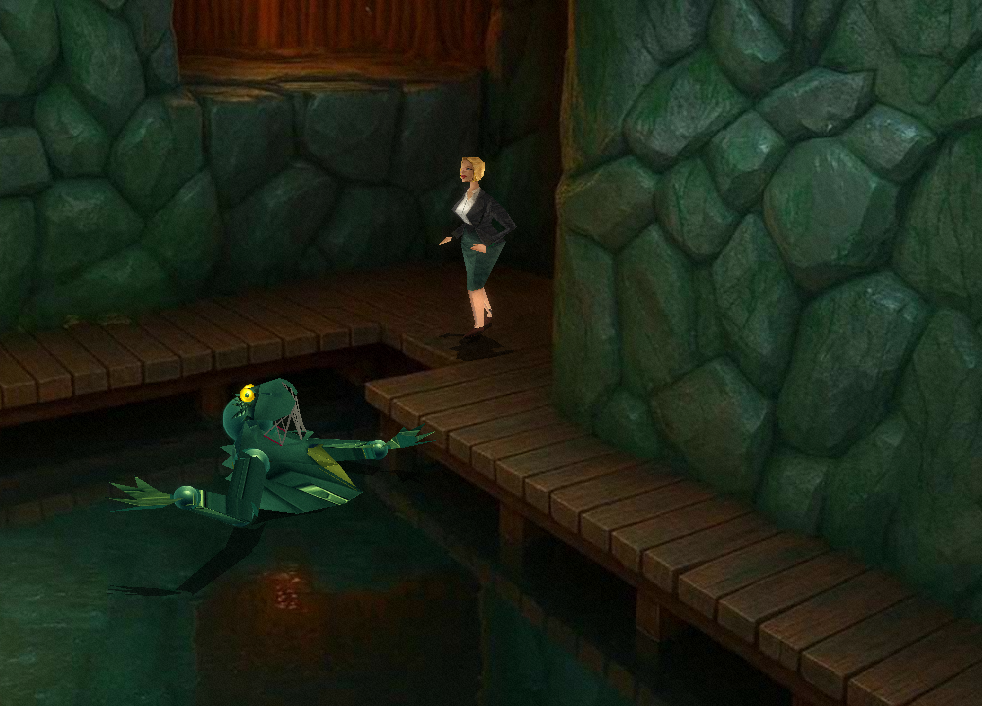
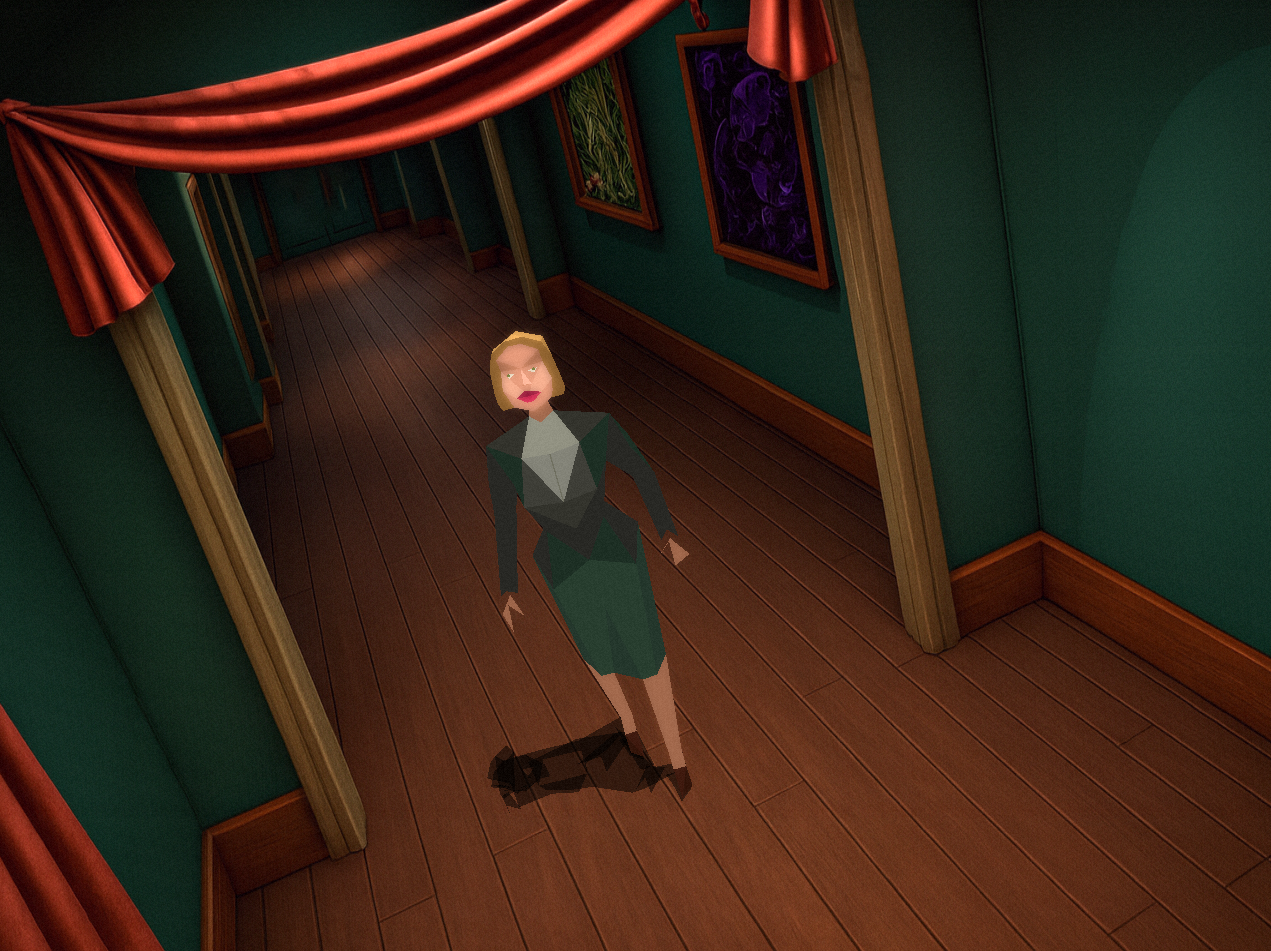
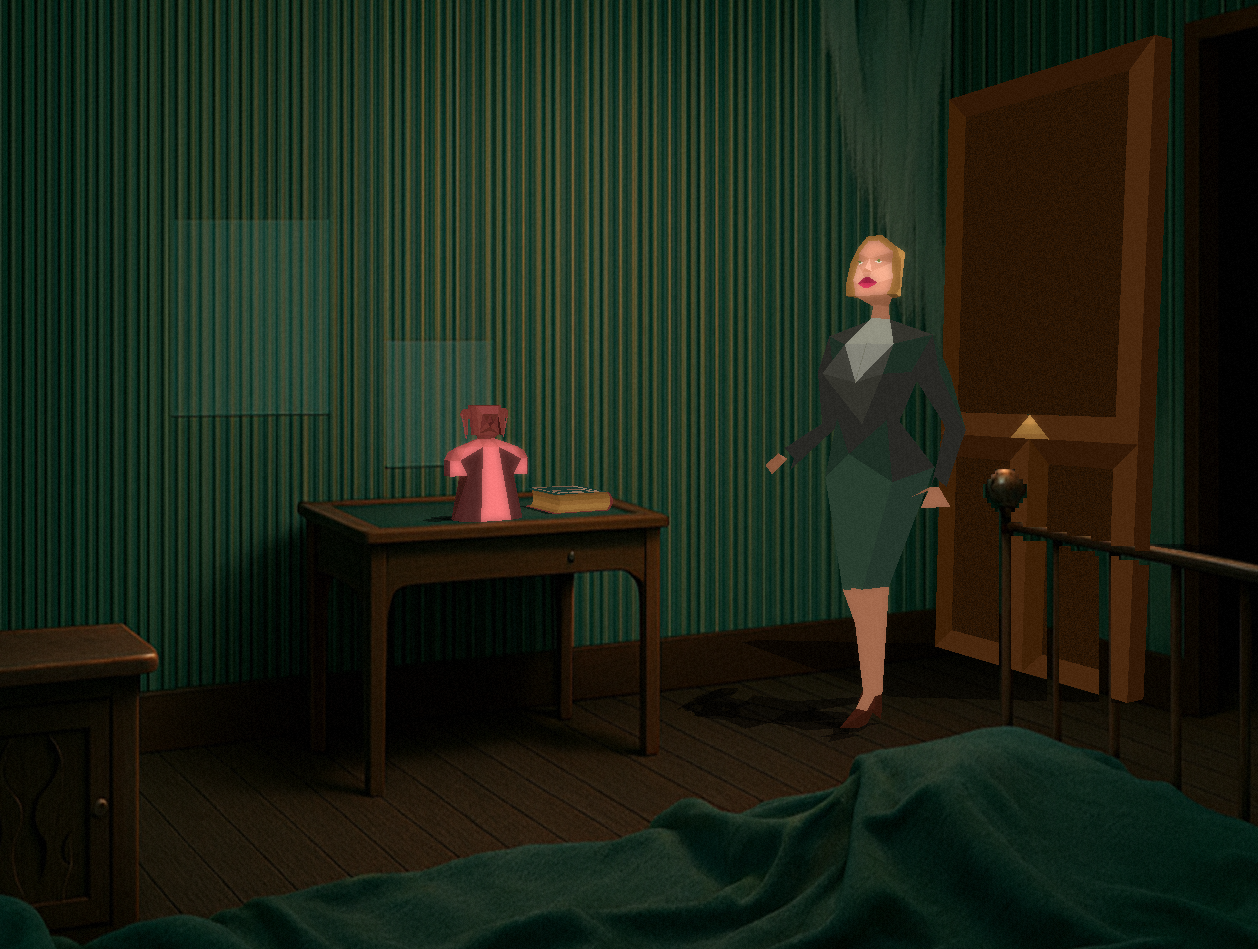
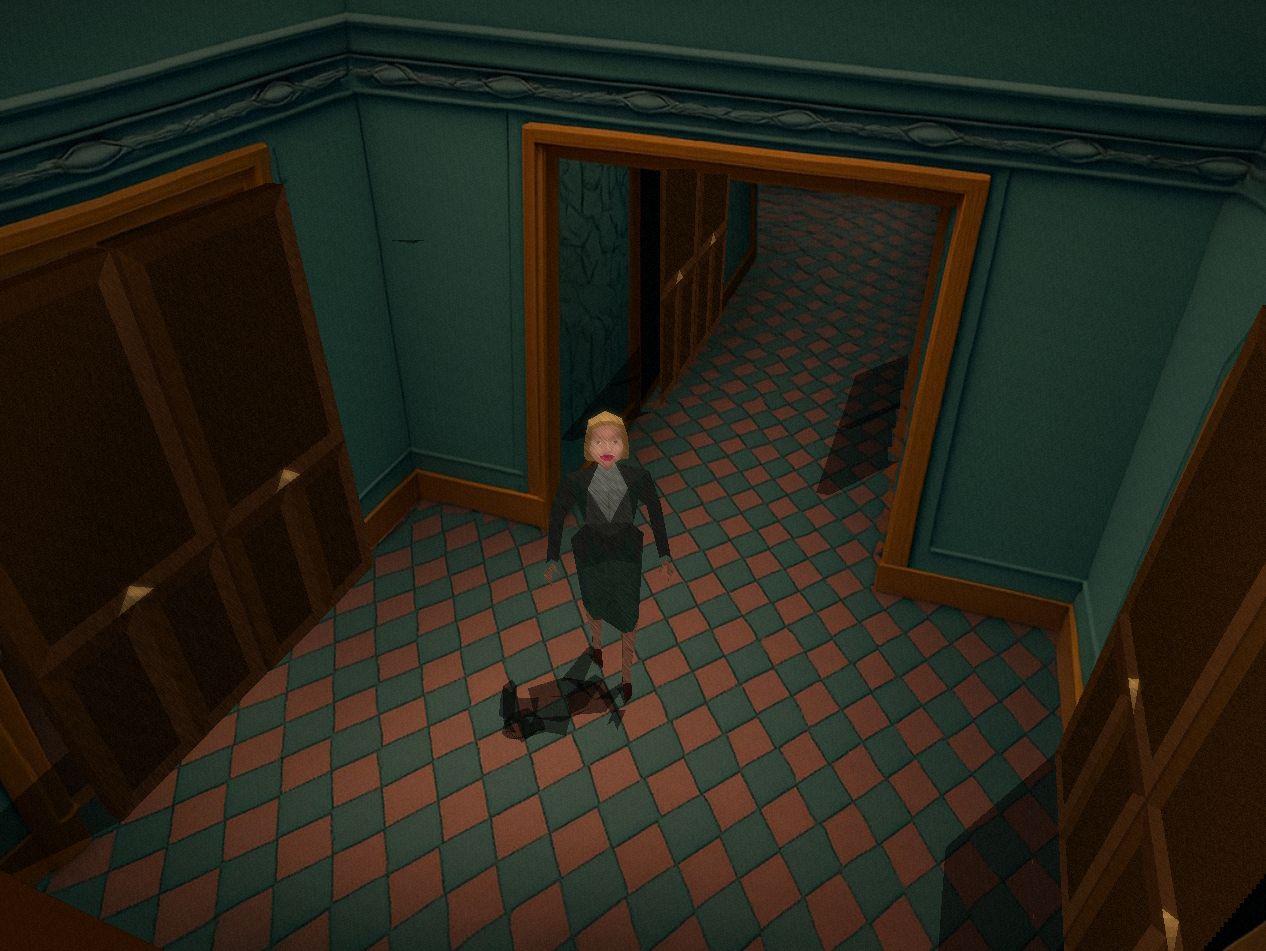
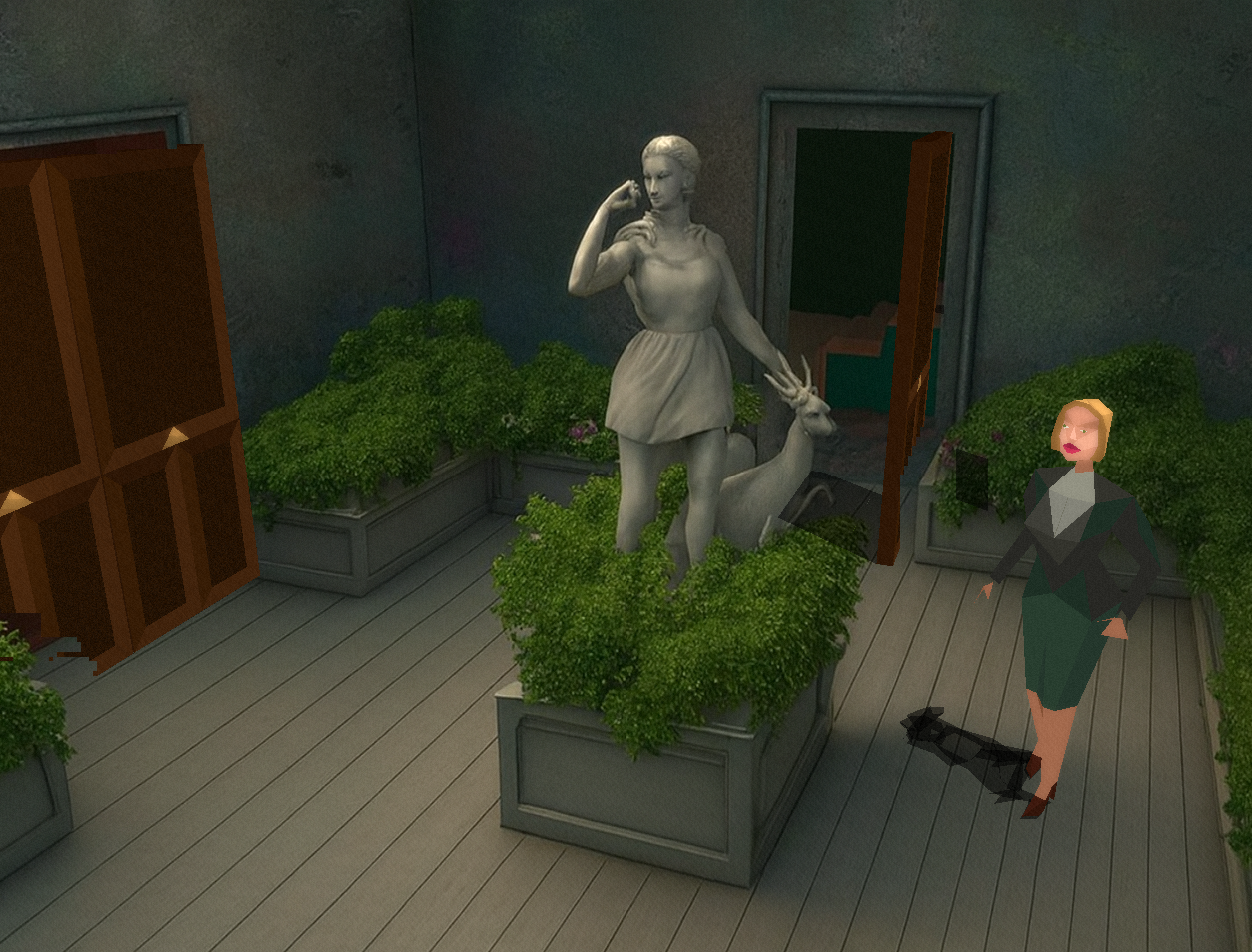
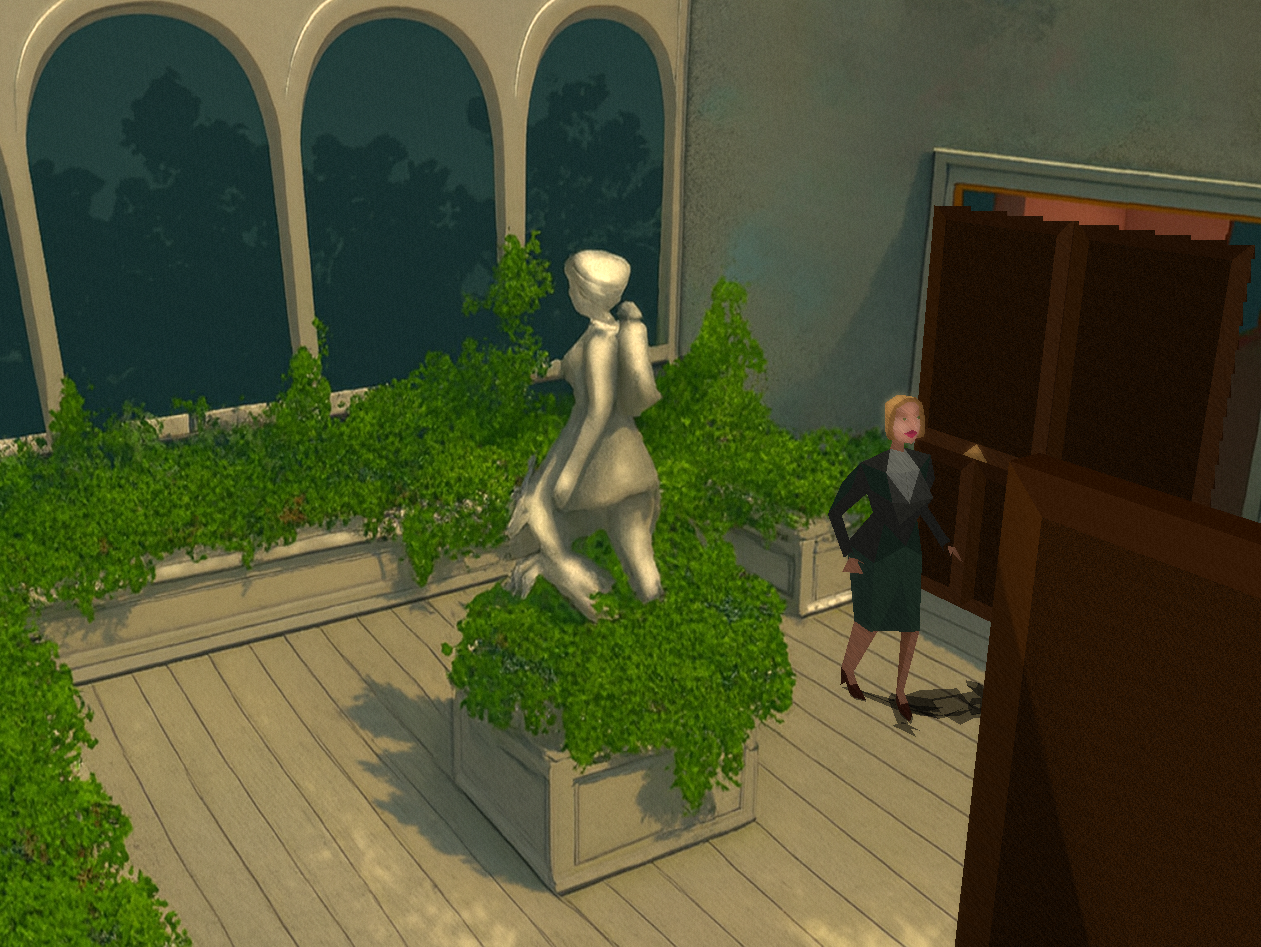
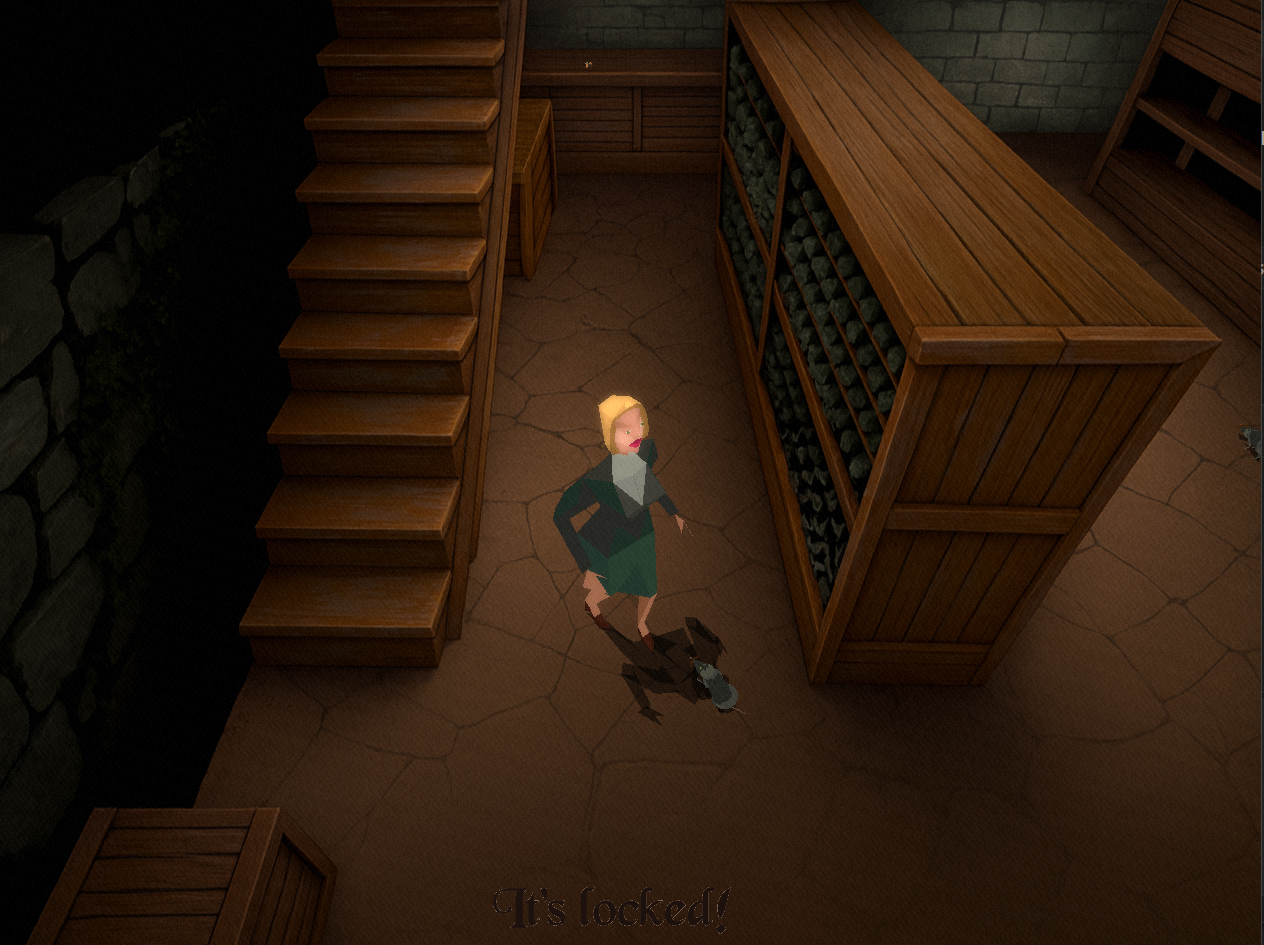
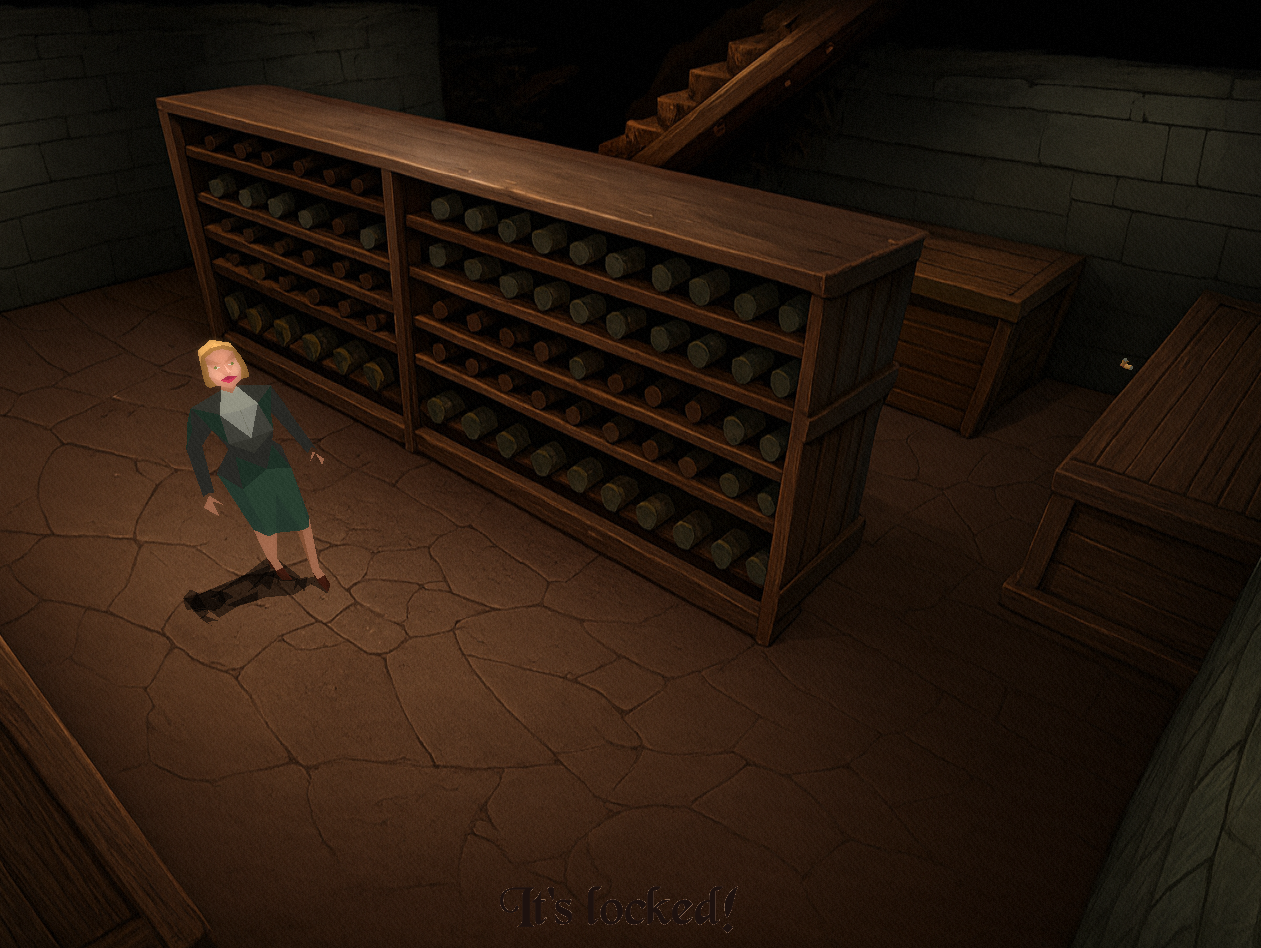
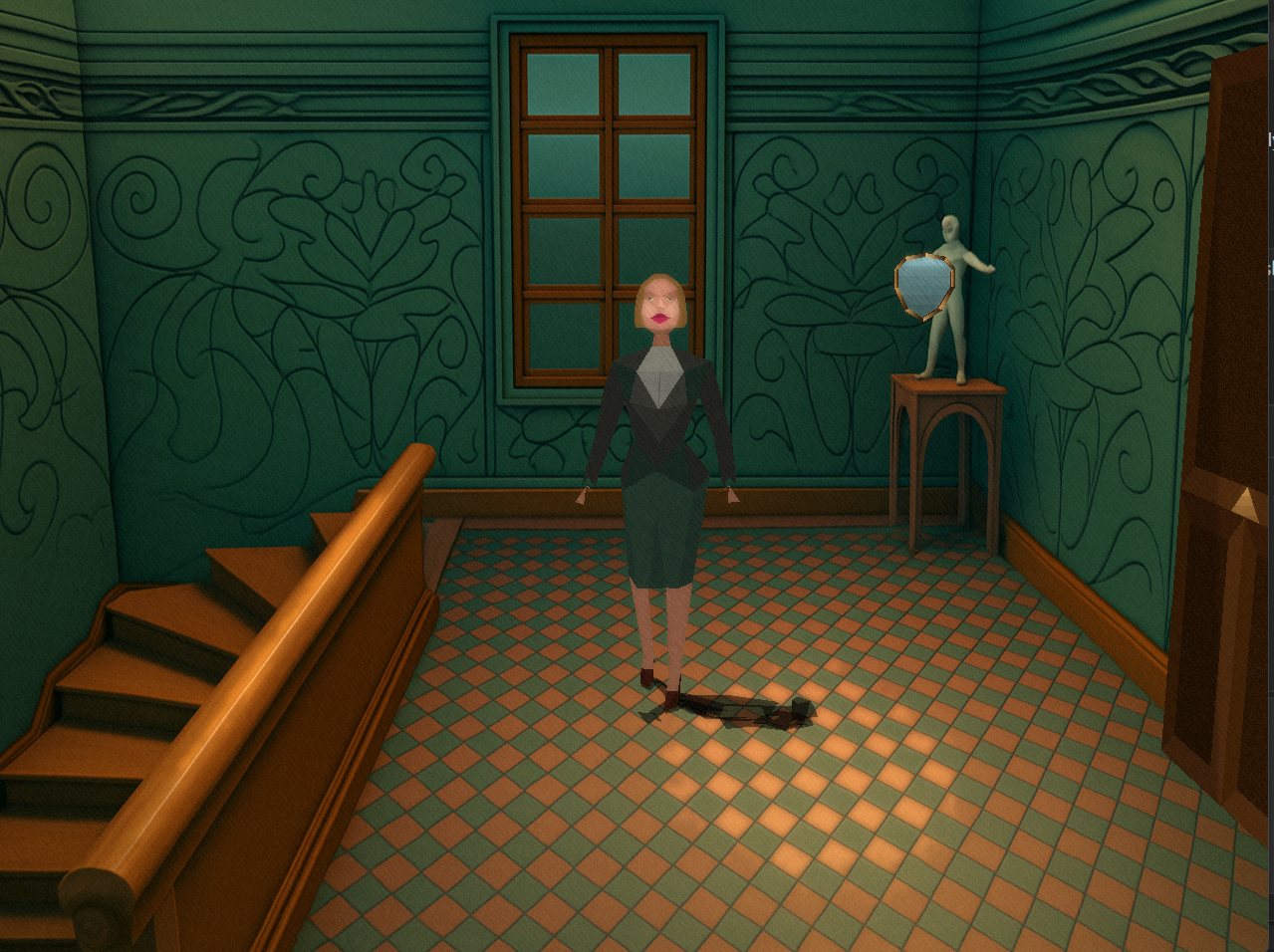
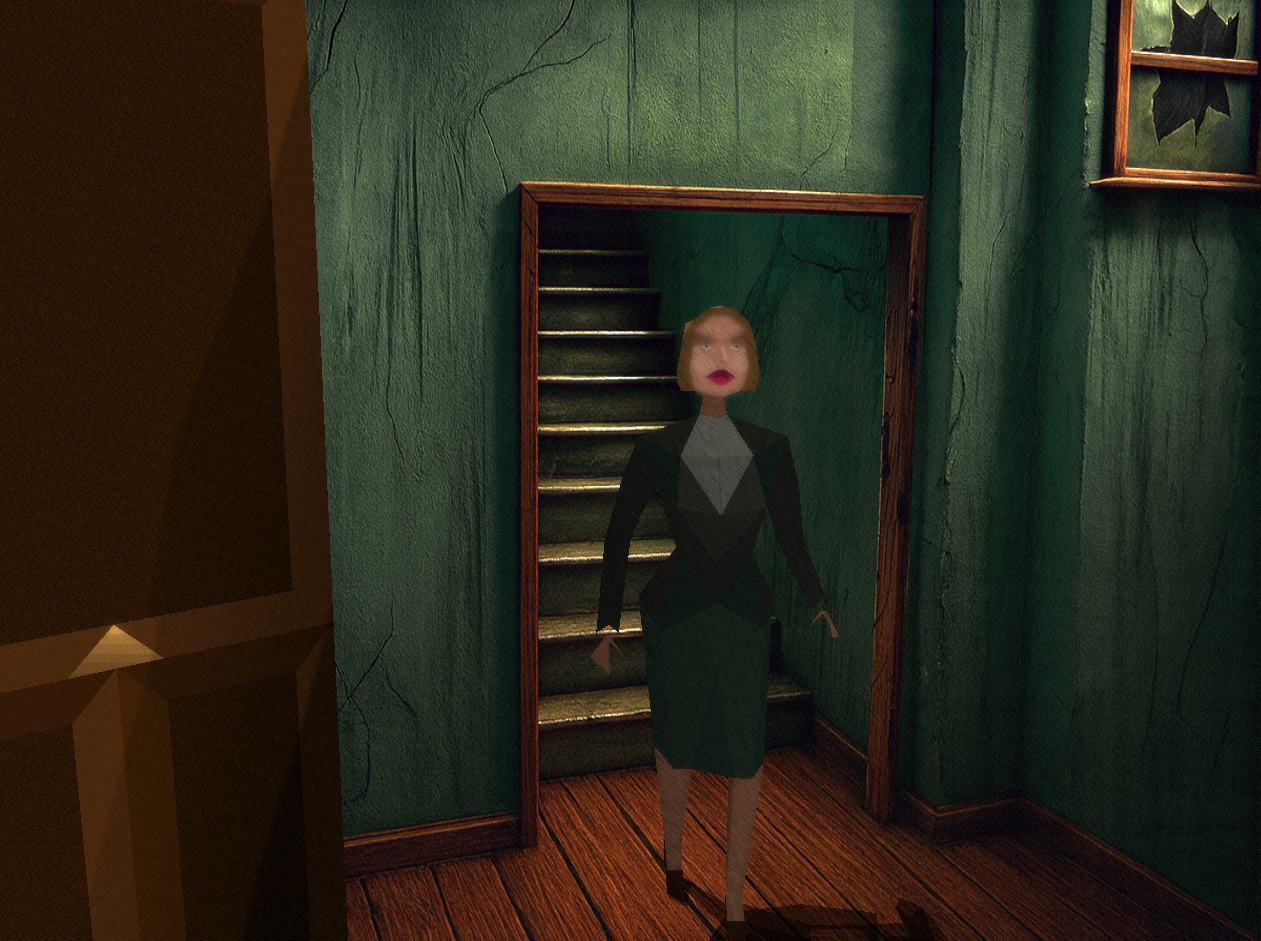
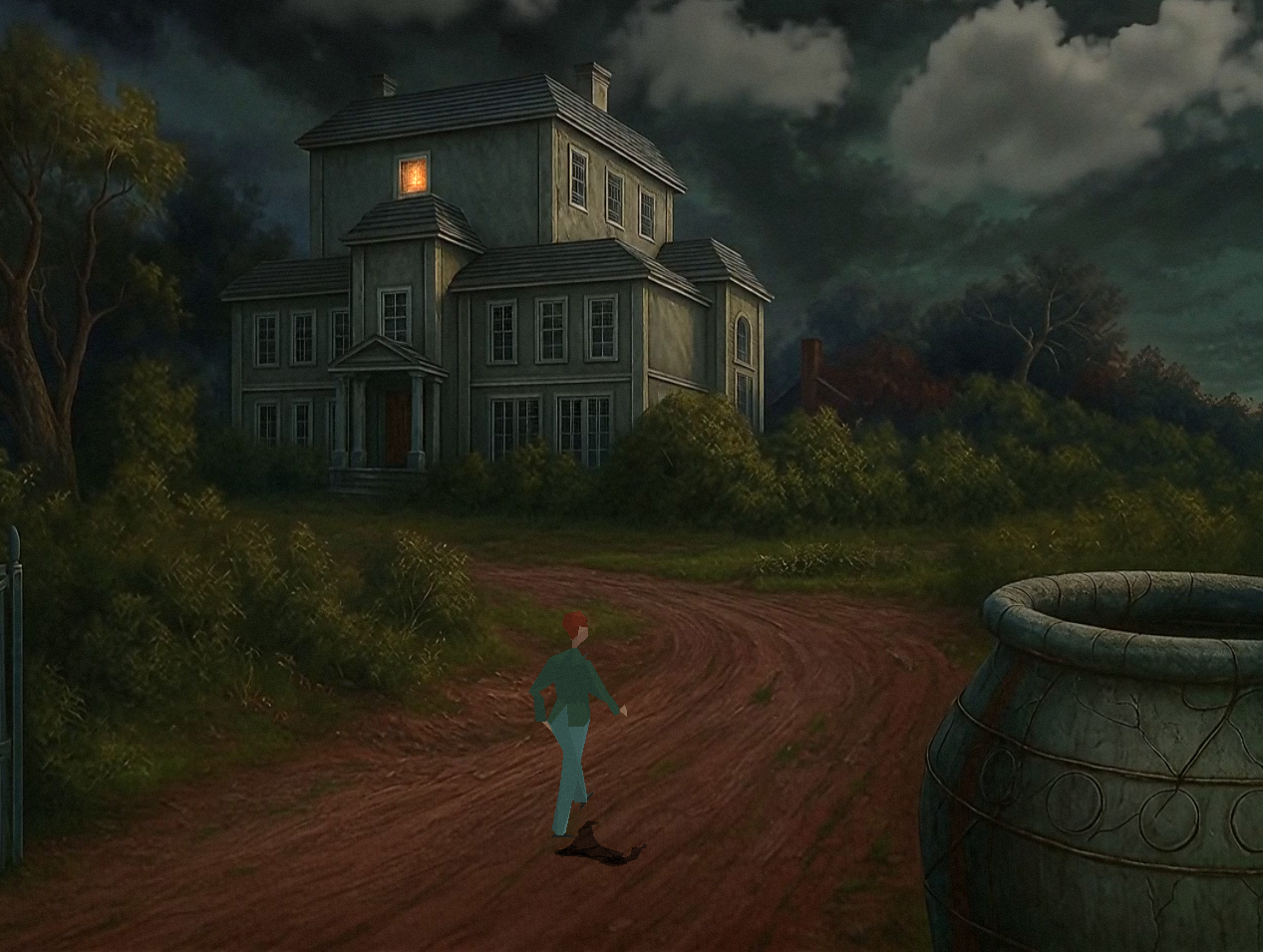
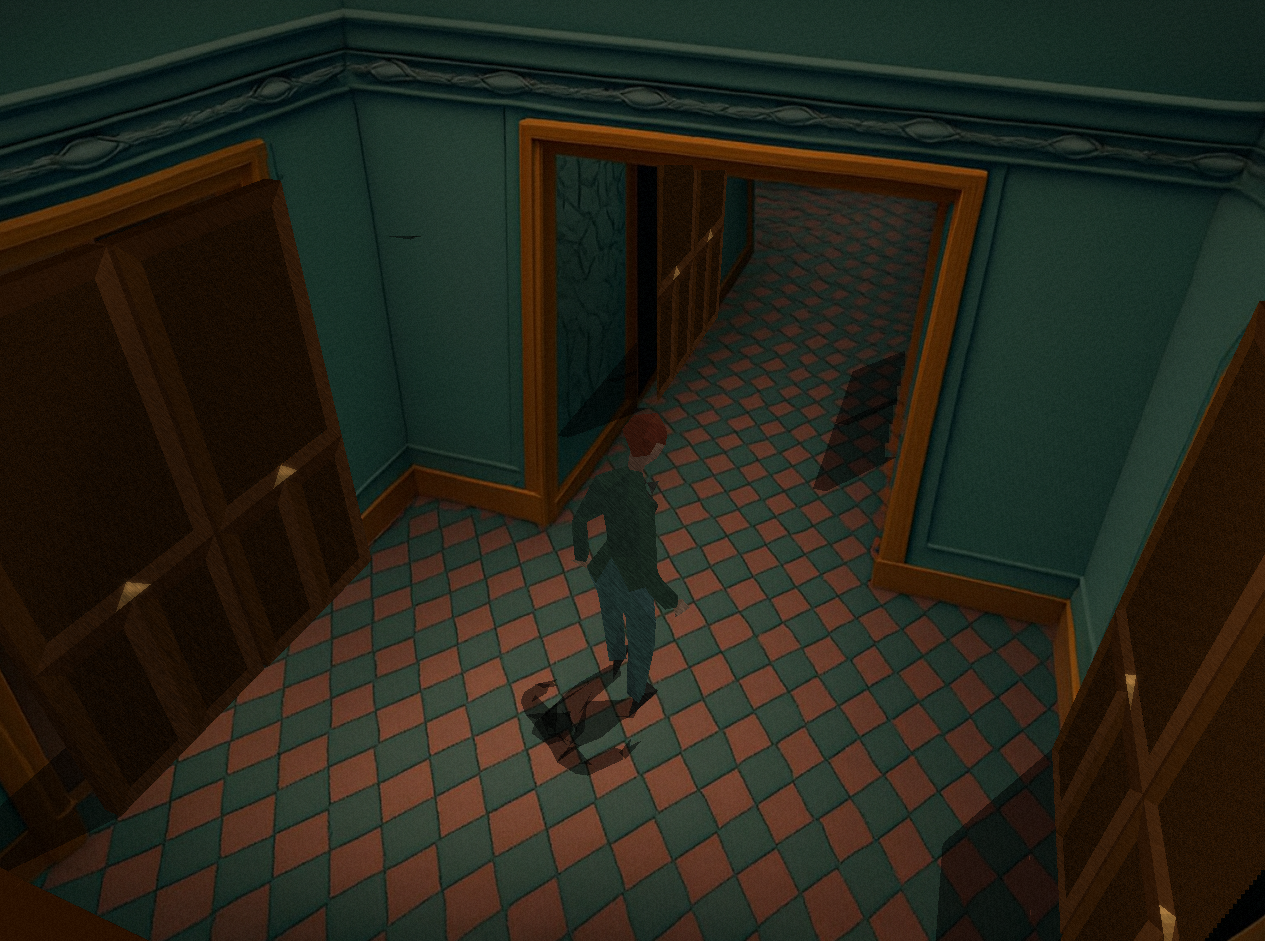
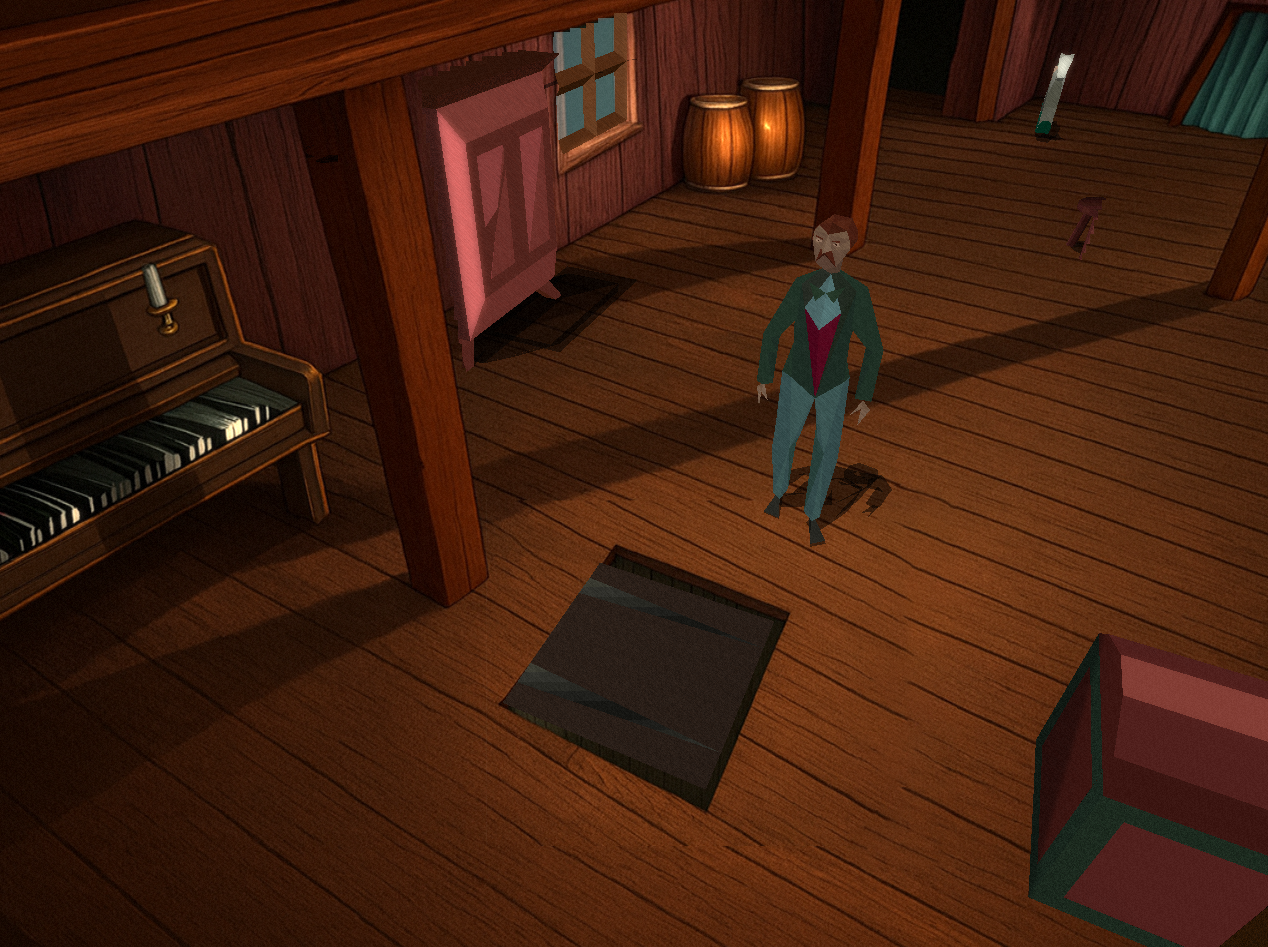
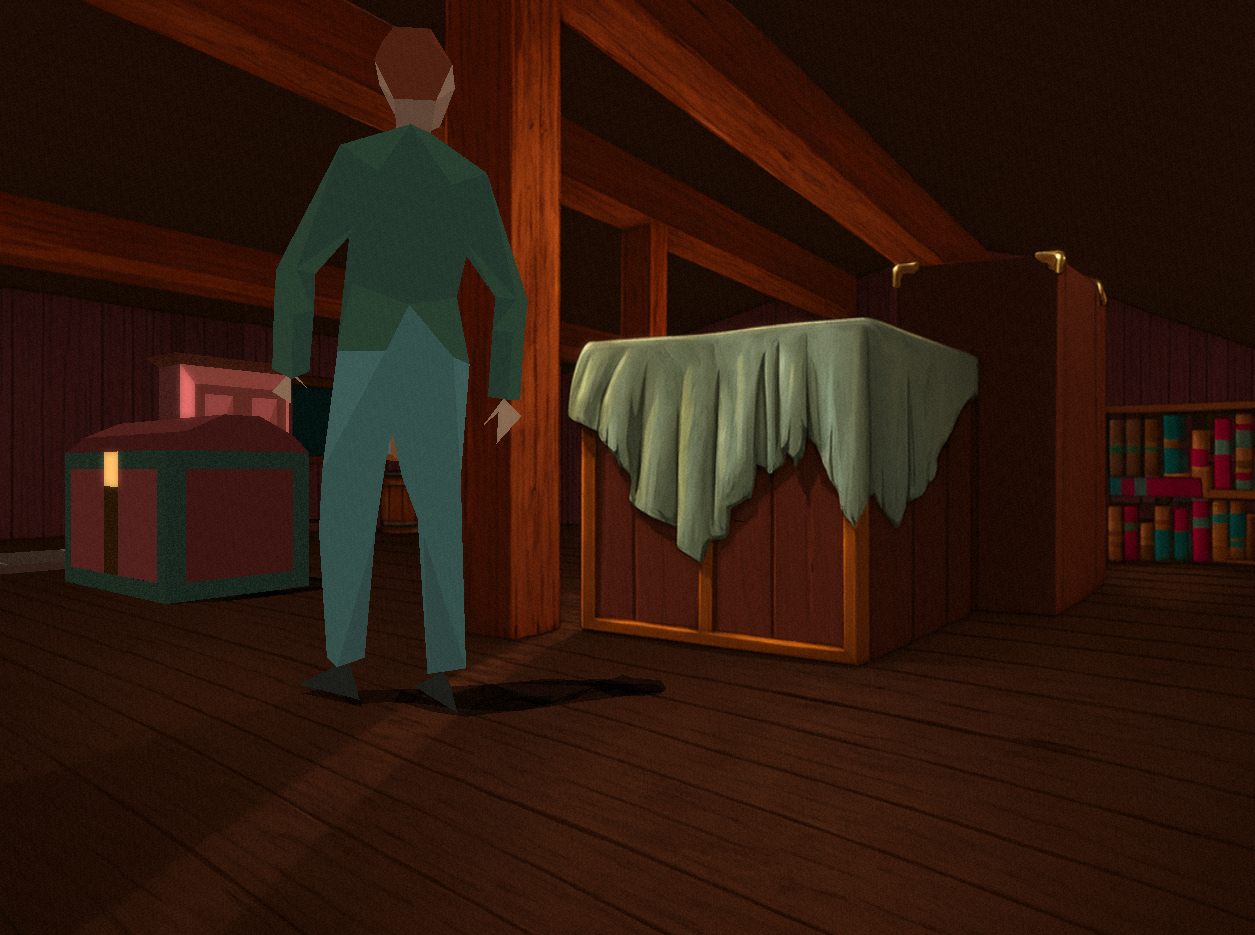
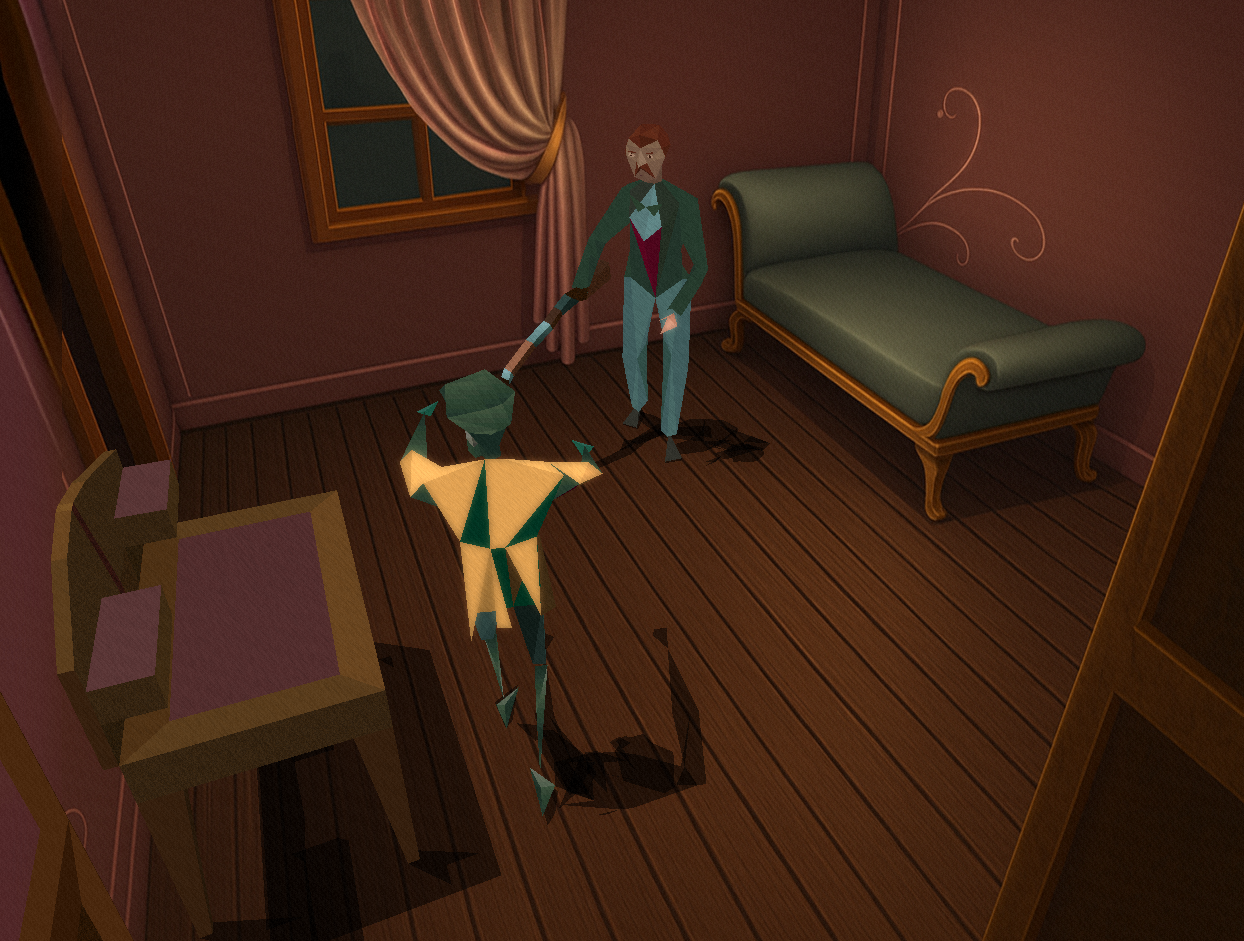
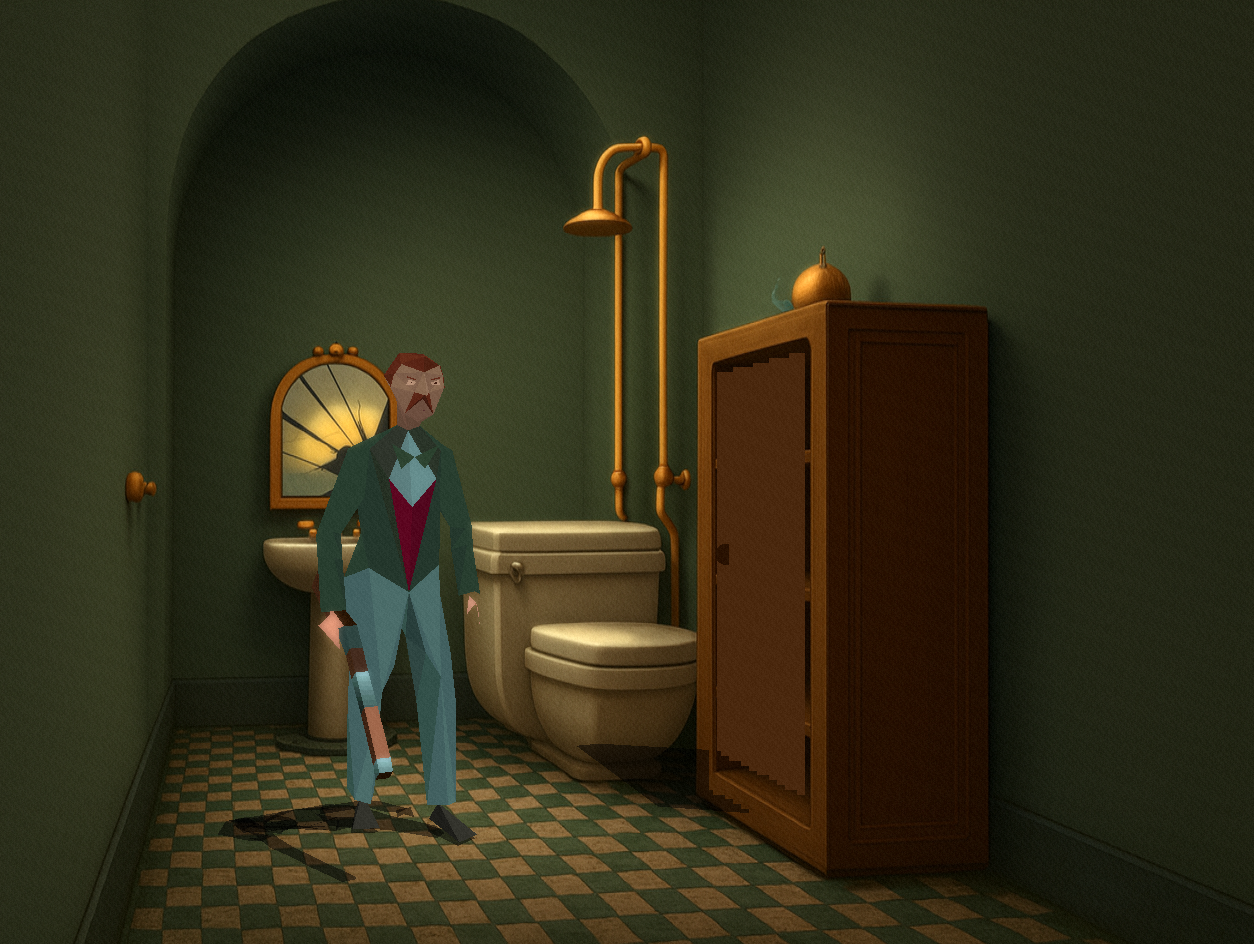
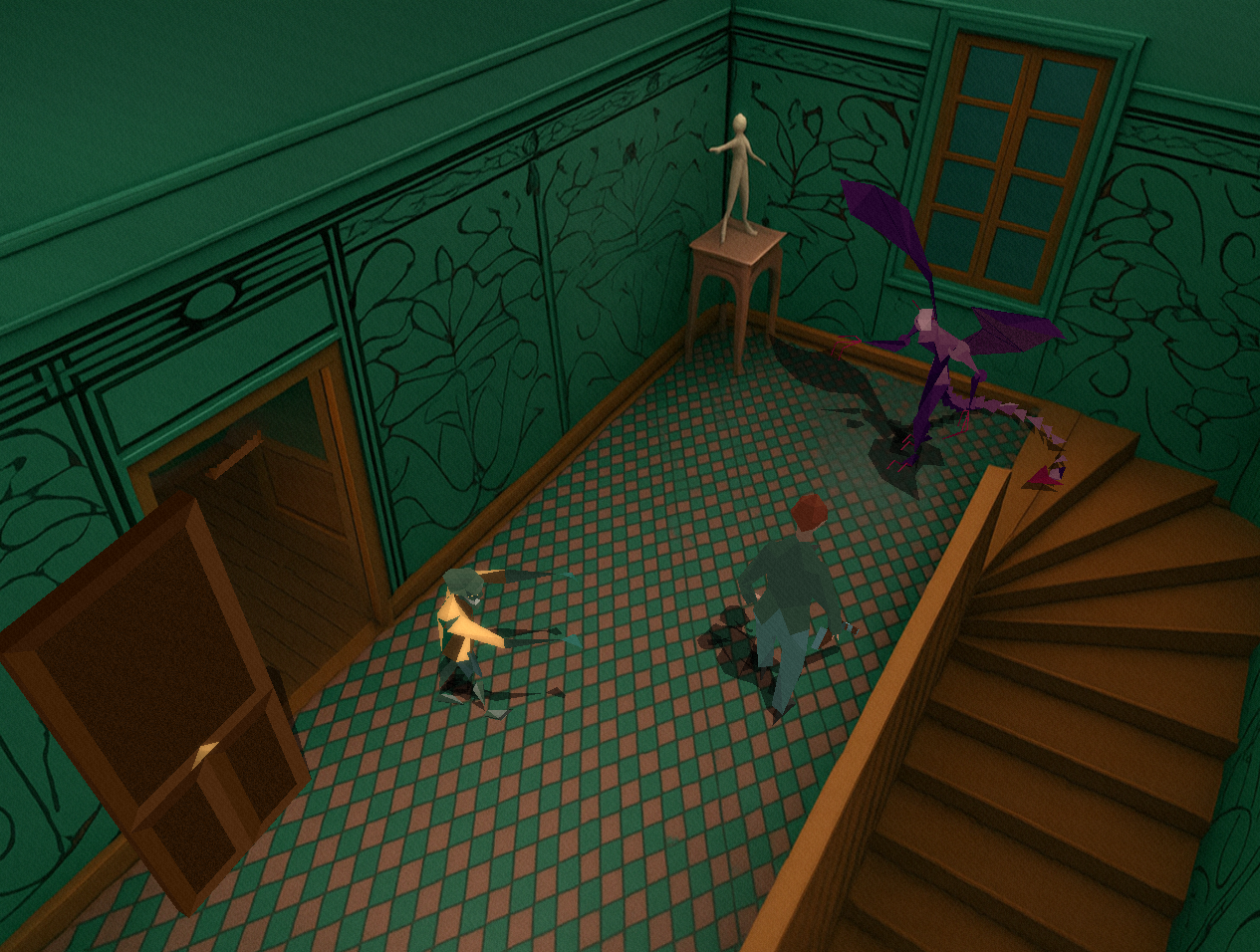
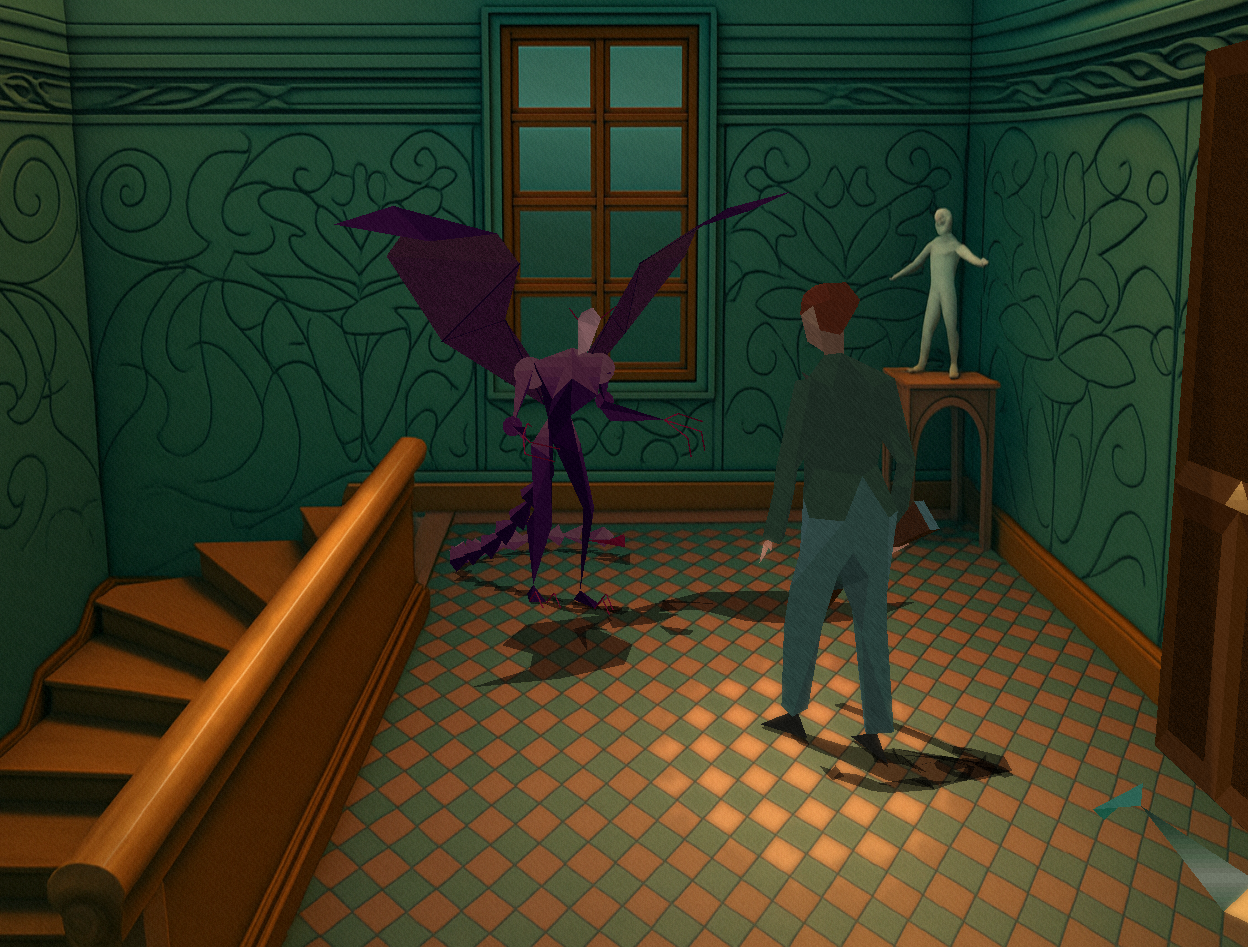
Alone In The Dark: Re-Haunted is a modern remaster of the landmark 1992 survival horror game by Infogrames. Built on the reverse-engineered FITD engine, Re-Haunted preserves the original gameplay while adding modern rendering, HD backgrounds, post-processing effects, gamepad support, and quality-of-life improvements.

System Requirements
  • OS: Windows 10/11 (64-bit)
  • CPU: Any modern x86-64 processor
  • RAM: 4 GB minimum (8 GB recommended for HD backgrounds)
  • GPU: DirectX 11 / OpenGL 3.2 / Vulkan compatible
  • Storage: ~2 GB for base game + HD assets
  • Original game data files required (PAK/ITD files from the original release)
Running

Place Tatou.exe alongside the original game’s data files (PAK, ITD) in the same directory. The game auto-detects which title to run based on the data files present.

Required Files
  • Original game PAK files (e.g., LISTBOD2.PAK for AITD1)
  • Original game ITD files (DEFINES.ITD, OBJETS.ITD)
Optional Files
FilePurpose
backgrounds_hd.hdaHD background archive (static + animated)
audio.hdaMusic and sound effects archive
backgrounds_hd/Loose HD background files (fallback if no archive)
*.mp3 / *.ogg / *.wavLoose music tracks (fallback if no archive)
BLKCHCRY.TTFTrueType font for remastered text
version.txtVersion string displayed in window title
aitd_remaster.cfgRemaster configuration file
Configuration

Settings are stored in aitd_remaster.cfg and can be edited in-game through the options menu.

Graphics
SettingDefaultDescription
enableHDBackgroundsfalseEnable high-definition background rendering
backgroundScale2Background resolution multiplier (2x = 640×400)
enableFilteringtrueTexture filtering on backgrounds
enableBlurredMenufalseGaussian blur on background during menus
Post-Processing
SettingDefaultDescription
enableBloomtrueHDR bloom lighting effect
bloomThreshold0.6Brightness threshold for bloom
bloomIntensity0.5Bloom strength
enableFilmGraintrueCinematic film grain overlay
filmGrainIntensity0.03Film grain strength
enableSSAOtrueScreen-space ambient occlusion
Controller
SettingDefaultDescription
enableControllertrueGamepad support (SDL3)
analogDeadzone0.15Analog stick dead zone
analogSensitivity1.0Analog stick sensitivity
invertYAxisfalseInvert vertical axis
analogMovementtrueAnalog stick movement (vs. digital only)
Font
SettingDefaultDescription
enableTTFfalseTrueType font rendering
fontPathBLKCHCRY.TTFPath to TTF font file
fontSize16Font size in points
hideOriginalTexttrueHide original bitmap text when TTF is active
Controls
Keyboard (Default)
ActionKey
Move Up↑ Arrow
Move Down↓ Arrow
Turn Left← Arrow
Turn Right→ Arrow
Action / UseSpace
Inventory / ConfirmEnter
Menu / CancelEscape
Prev InventoryQ
Next InventoryE
Gamepad (Default)
ActionButton
MoveLeft Stick / D-Pad
Action / UseA (South)
Inventory / ConfirmStart
CancelB (East)
Prev InventoryLeft Bumper
Next InventoryRight Bumper

All key and gamepad bindings are fully remappable through the controls menu.


Supported Platforms

Windows 10/11 (64bit)

Can be run on Steam Deck through Proton

FAQ

Why did we make this?

Becuase we love the game, and wanted to give it a modern port so new players and fans alike can experience it in a more modern way but retain the original gameplay.

What do I need to play it?

A modern PC will suffice from 2020 onwards, with Windows 10/11 or supported OS that a build is for. 

How can I report a problem or suggest a feature?

Simple, email as at jake@spacefarergames.com or visit our Discord.

Do I need game files?

You don't need the original game files as this is a full port with clean-room reverse engineered code. All the assets we created are original.

For legal purposes, it's best to provide your own PAK files.